

The best A/B testing tools for Shopify in 2026 and how to pick the right one
Compare the best A/B testing tools for Shopify in 2026. See pricing, test types, setup, and which tool fits your store and testing goals.
Running A/B tests on a Shopify store can mean very different things. You might be testing whether a higher product price improves margin, whether a new product page layout drives more conversions, whether a different shipping threshold reduces checkout abandonment, or whether a completely new storefront performs better.
That makes choosing an A/B testing tool a little more complicated. Some tools focus on pricing and profit, others focus on visual and theme testing, while broader conversion rate optimization (CRO) platforms cover experimentation and analytics. Their billing models and setup requirements vary too, which can affect the cost of running tests as your store grows.
This guide compares 8 Shopify A/B testing tools, looking at what they can test, how they charge, how much setup they require, and who each tool is best suited for.
01Top A/B testing tools compared
The tools below cover different testing needs, from pricing and profit experiments to theme customizer and checkout flow optimization.
Use the table to narrow down your options based on the tests you need, how you’ll be charged, and how much bandwidth your team has for setup.
| Tool | Best for | Price | Free trial | Test types covered | Funnel focus | Setup effort | Stage fit |
|---|---|---|---|---|---|---|---|
| ABConvert | Shopify-native testing across price, shipping, offers, pages, themes, and checkout | From $99/mo | 14 days | Price, shipping, offers, checkout, URL, template, theme, visual editor | Full funnel | Low | Growing and scaling Shopify brands |
| Intelligems | Profit optimization and advanced experimentation | From $39/mo; core testing from $499/mo | 14 days | Price, shipping, discounts, content, checkout, post-purchase | Full funnel | Medium | Larger Shopify brands |
| Visually | AI-powered CRO and personalization | From $15/mo; scales with order volume | Yes | Pages, themes, price, shipping, discounts, checkout, post-purchase | Full funnel | Low | Small to mid-sized brands and CRO teams |
| PrettyDamnQuick | Checkout, shipping, and delivery optimization | From $0.24/order | Yes | Checkout, shipping, delivery, upsells, post-purchase | Checkout and post-purchase | Medium | High-volume brands |
| Shoplift | Theme, template, and page testing | From $74/mo annually | 14 days | Template, theme, URL, page, price | Top- to mid-funnel | Low | Growing Shopify brands and CRO teams |
| VWO | Enterprise experimentation and CRO | Custom pricing | To be requested | A/B, split URL, multivariate, personalization, behavioral analytics | Full funnel | Medium–High | Mid-market and enterprise |
| Optimizely | Broad marketing and digital experience experimentation | Custom pricing | Custom | A/B, personalization, segmentation, broader digital experience testing | Full funnel | High | Enterprise teams |
| Elevate | Shopify A/B testing across themes, content, pricing, shipping, and checkout | From $49/mo | 14 days | Theme, template, URL, visual content, price, shipping, product image, checkout, custom CSS/JS | Full funnel | Low–Medium | Small to scaling Shopify brands |
02Detailed breakdown of each A/B testing tool
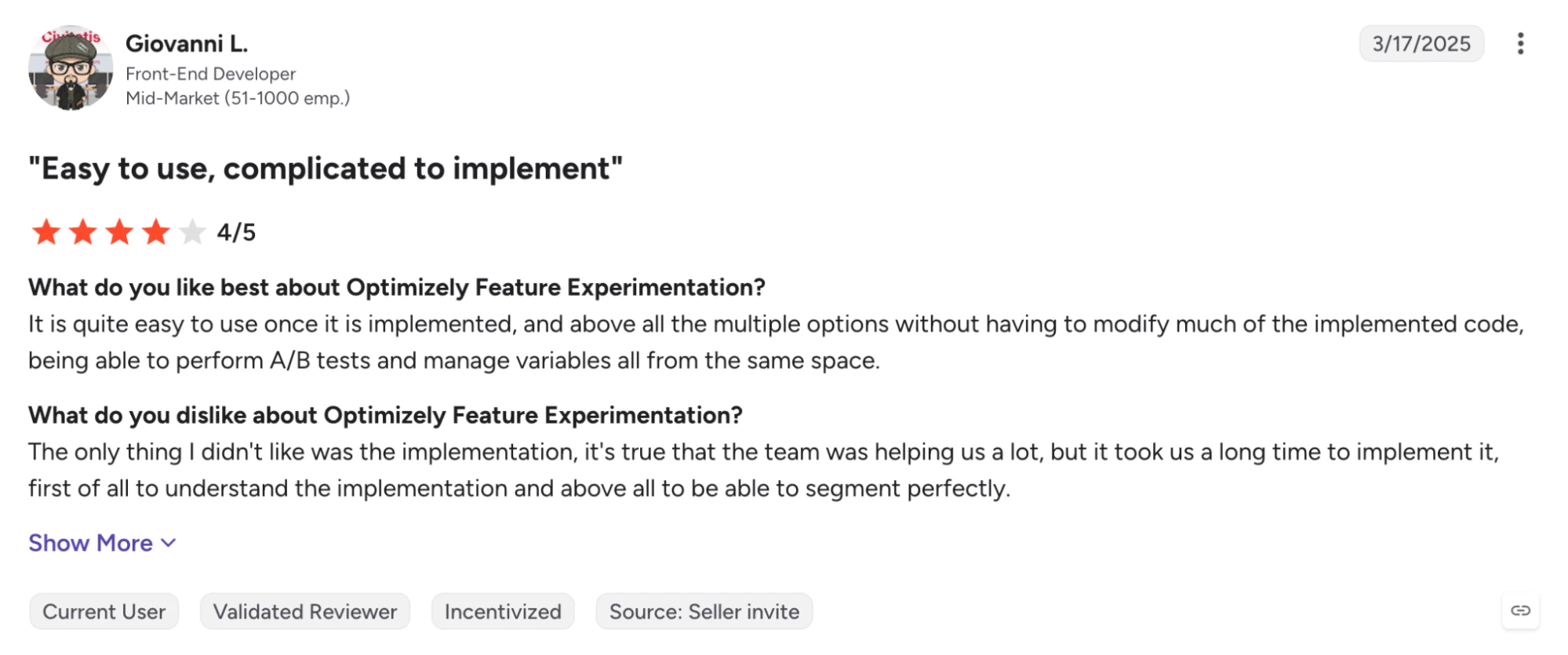
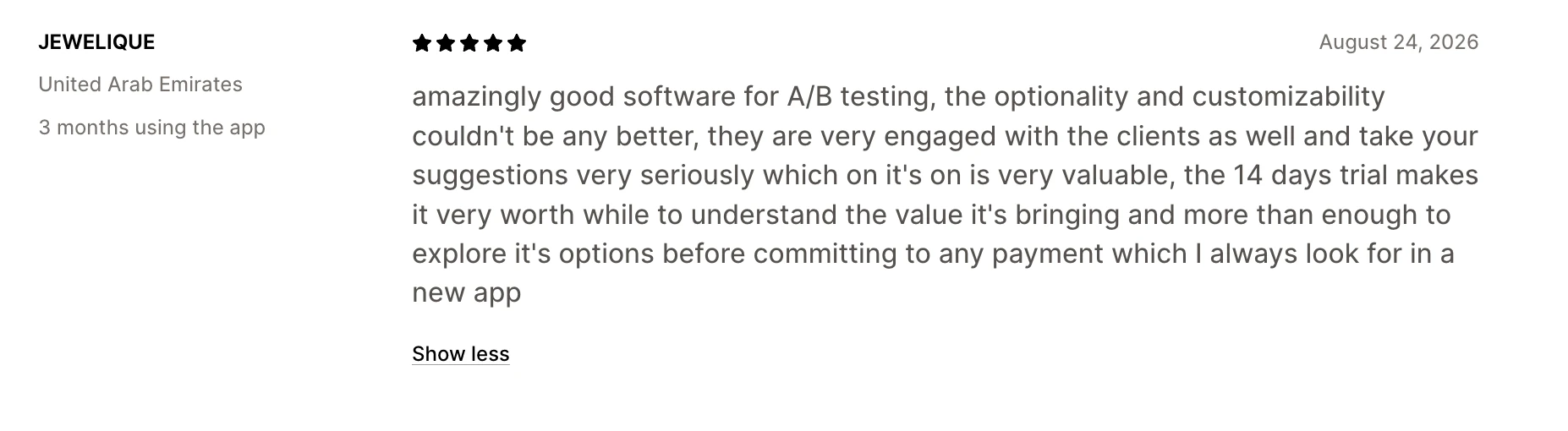
Before we dive into each A/B testing tool, here’s our evaluation process: We used publicly available information about the tools, along with real customer stories from G2 and the Shopify App Store.
ABConvert: Best for full-funnel Shopify-native A/B testing and CRO
Best for: Scaling Shopify brands that want to test pricing, shipping, offers, pages, themes, and checkout from one platform without adding a developer or data team.
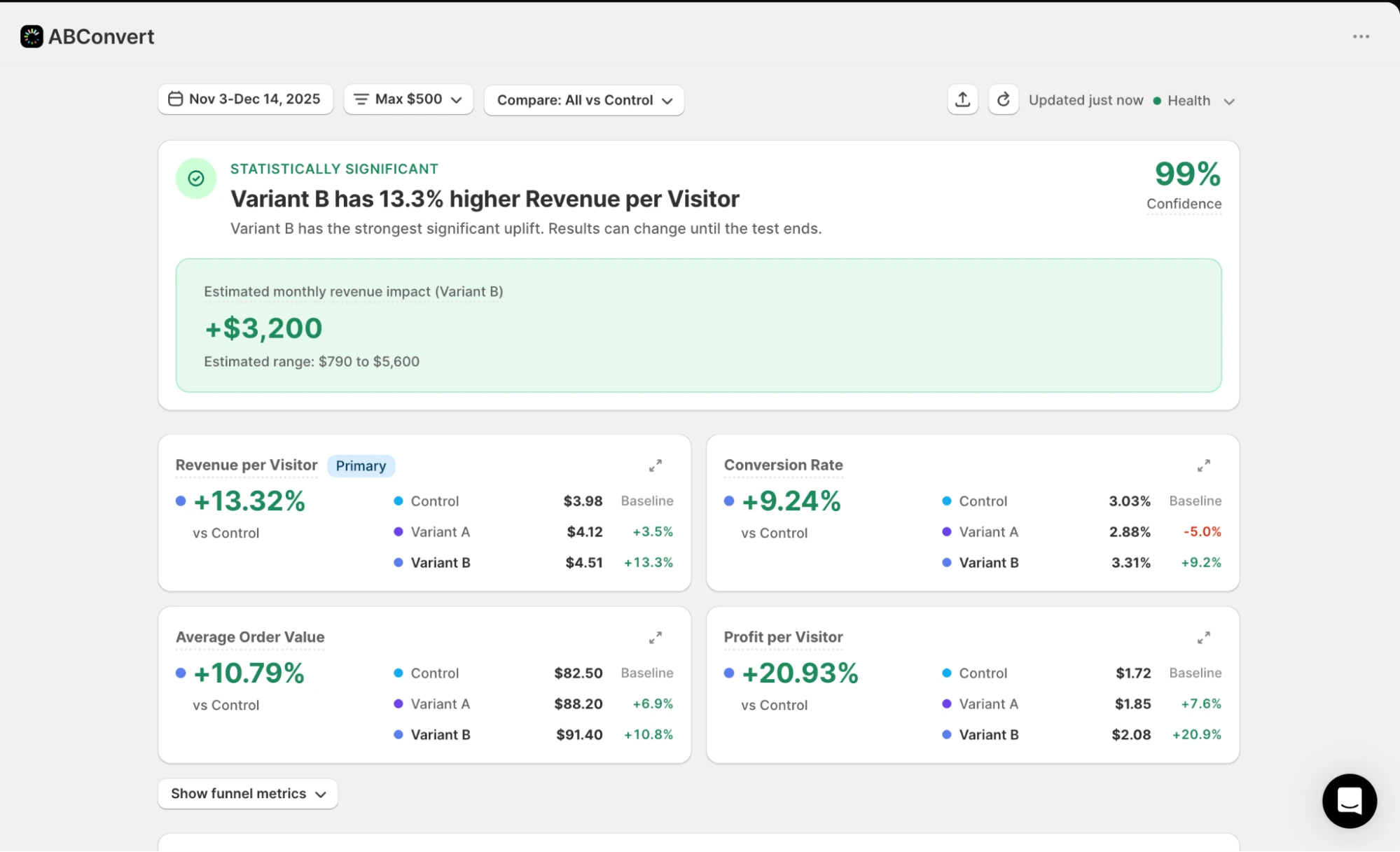
ABConvert is an all-in-one A/B testing platform that brings price, shipping, offers, pages, themes, checkout, and URL redirect tests into one Shopify app. It gives merchants one place to test the changes that can affect revenue, helping them judge the results with metrics like profit per visitor, AOV, and margin.
The tool also keeps the testing workflow practical, with no-code setup, audience targeting, expert onboarding, and a first test that can go live in 30 seconds.
Pricing starts at $99/month, with a 14-day free trial. Plans are based on test orders rather than total store traffic.
What it does well:
- Covers a wide range of Shopify-native tests, including pricing, shipping, offers, checkout, theme, template, visual editor, and URL redirect tests.
- Keeps setup accessible for merchants without developers or data analysts.
- Lets you evaluate tests using revenue and profit-related metrics rather than conversion rate alone.
- Supports audience targeting with factors such as country, device, traffic source, and new versus returning visitors.
- Offers expert onboarding and support, helping teams set up their first tests effectively.
Where it falls short:
- Built for Shopify, making it unfit for brands not using the platform.
- Built for mid-to-enterprise level brands, its pricing may not be suitable for smaller brands.

Intelligems: Best for managed testing workflows for enterprise teams
Best for: Larger Shopify brands that want advanced profit analytics, deeper segmentation, and a higher-touch testing workflow.
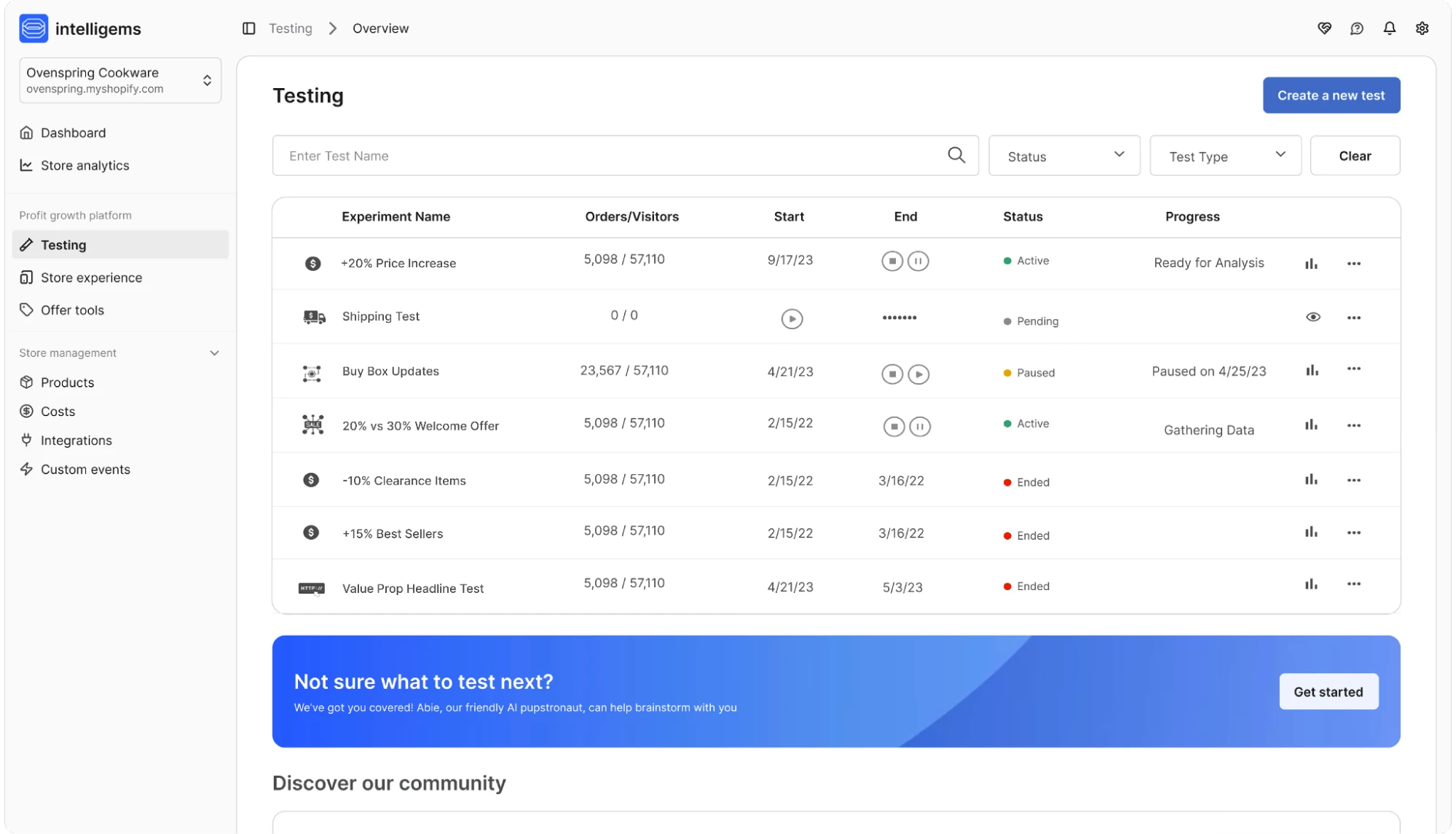
Intelligems is a full-funnel experimentation and profit-optimization platform. It offers A/B test ideas, personalization, analytics, and AI in one workflow, with managed services available for teams that want help planning and running their program.
This makes the tool particularly relevant for brands with a mature testing roadmap and the resources to support a more involved experimentation setup.
Pricing starts at $39/month, with a 14-day free trial. Higher-tier testing features start at $499/month.
What it does well:
- Strong price and profit testing capabilities, including cost of goods sold (COGS) and margin analysis.
- You can experiment with content, merchandising, pricing, shipping, checkout, and post-purchase experiences in one platform.
- Your teams can personalize tests using customer behavior, traffic source, device, Klaviyo segments, and other audience signals.
- Intelligems uses AI to suggest tests, help build experiments, and analyze results, with integrations across tools such as Slack and Claude.
- Dedicated CSMs, onboarding, audits, and white-glove management give larger brands more help with planning and running experiments.
Where it falls short:
- Pricing can get expensive as your store grows, since Intelligems charges based on storewide order volume rather than just the orders involved in your tests.
- Some implementations require technical work. Customers have reported being asked to make code changes or deal with more involved setup.
- There can be an upfront integration cost, which means you may have to pay before knowing whether Intelligems is the right fit for your store.
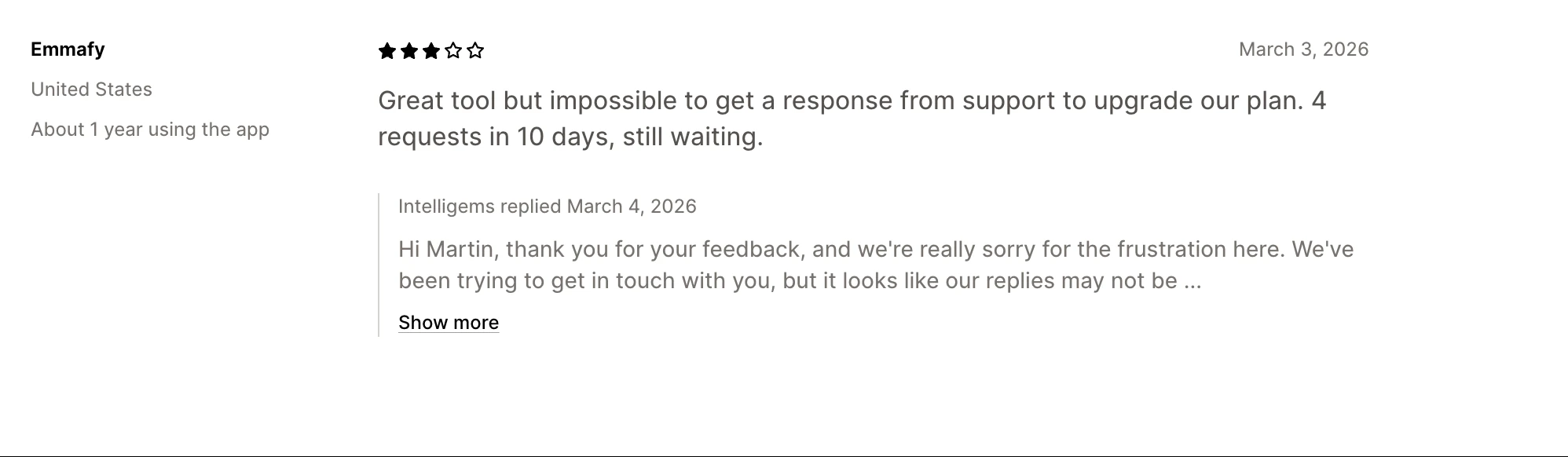
- Customer support can be slow. Reviews mention waiting 48 hours or more for responses and a lack of live support.
- The managed setup may be more than you need if you're running fewer and simpler Shopify tests.
Visually.io: Best for broad AI-powered CRO
Best for: Shopify brands that want no-code A/B testing, personalization, and AI-assisted CRO in one platform.
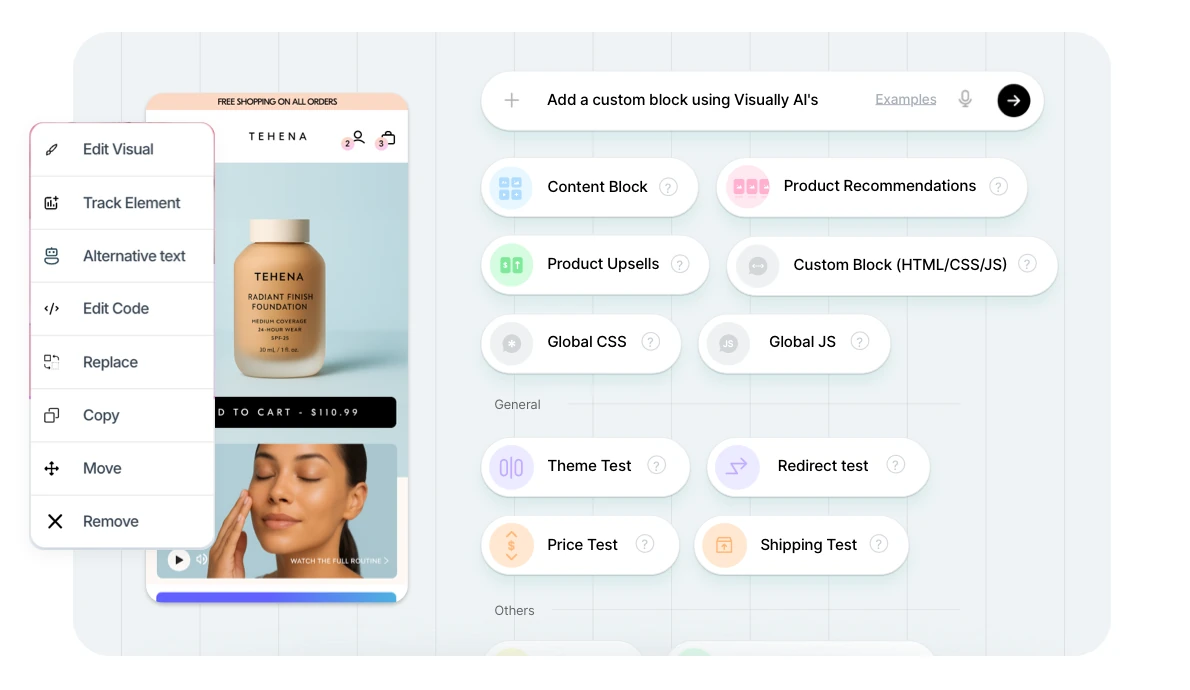
Visually.io is an AI-powered CRO platform that combines A/B testing with personalization, recommendations, upsells, and full-funnel analytics. Its no-code editor lets teams create and launch experiments across pages, themes, offers, prices, shipping, checkout, and post-purchase experiences, while AI can help generate and modify site components.
It’s a good fit for brands that want a broader CRO toolkit and need to make frequent changes without relying heavily on developers.
Pricing starts at $15/month, with pricing scaling based on order volume.
What it does well:
- No-code editor makes it easy to create and launch experiments without developer support.
- Combines A/B testing with personalization, recommendations, upsells, and CRO analytics.
- AI-assisted tools can help teams create site components and experiment variations faster.
- Supports testing across prices, discounts, shipping, themes, checkout, and post-purchase experiences.
- Customers frequently praise its intuitive interface, responsive support, and Shopify integration.
- Offers a strong fit for teams that want experimentation and broader CRO capabilities in one platform.
Where it falls short:
- Pricing can become significantly higher as order volume increases. One customer reported unexpected additional charges after reviewing their invoice.
- Some customers have found that advertised testing capabilities did not cover specific use cases without developer involvement.
- One review reported difficulty testing product images despite expecting the feature to work without technical help.
- A customer reported finding code-related issues after uninstalling the app.
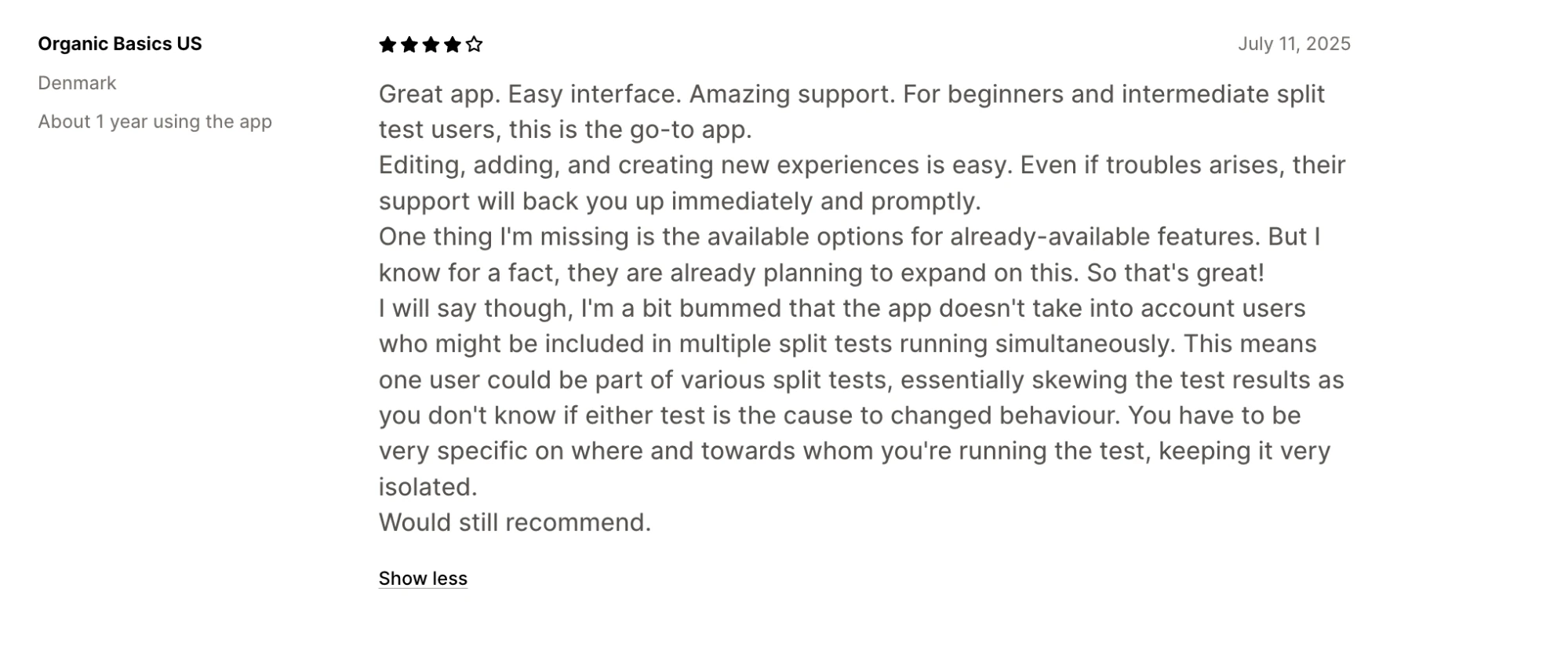
- Running multiple tests simultaneously requires careful audience and test setup to avoid overlapping experiments affecting results.
PrettyDamnQuick: Best for checkout and delivery optimization on Shopify
Best for: Shopify brands with high checkout volume that want to optimize shipping, delivery, and post-purchase experiences with support from a dedicated CRO team.
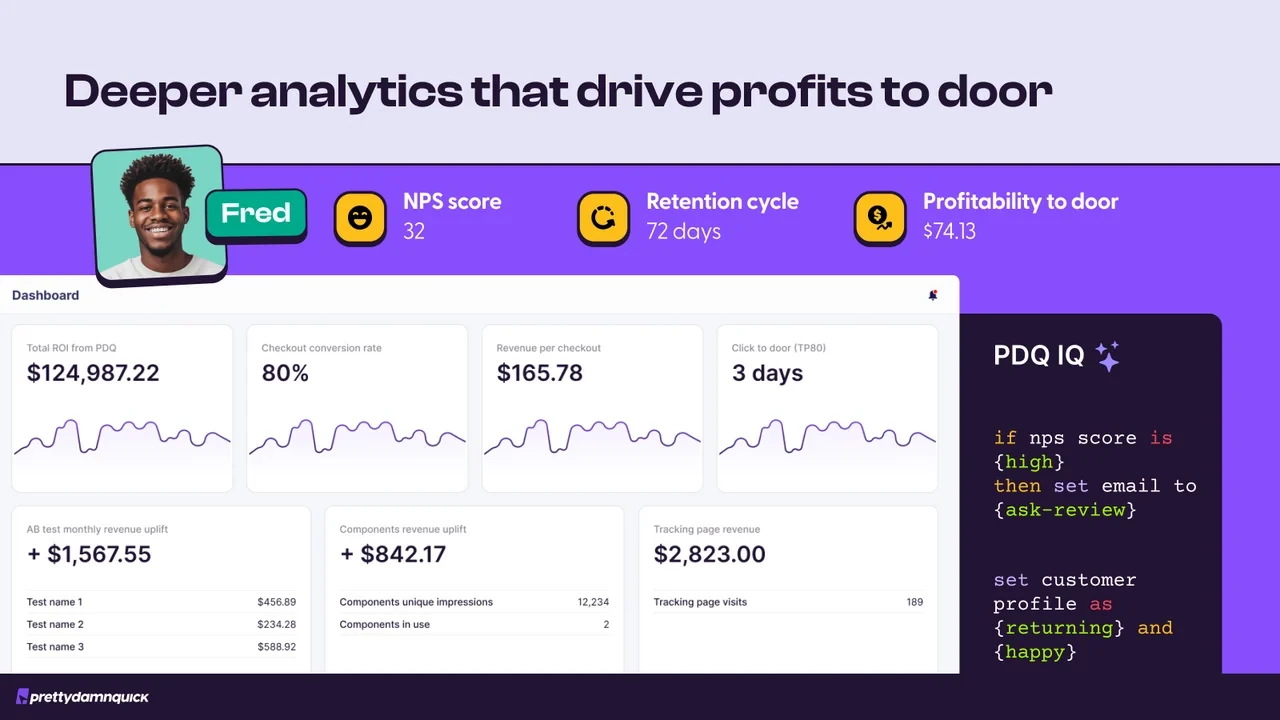
PrettyDamnQuick focuses on checkout and delivery optimization rather than general storefront experimentation. It lets brands test shipping rates, free-shipping thresholds, delivery promises, checkout layouts, upsells, and post-purchase experiences across different customer segments.
PDQ also combines the software with a high-touch service model, with its team reviewing data, recommending experiments, and helping the brand run them. That makes it a strong option for brands that want checkout expertise.
PrettyDamn Quick is free to install with $0.24 per order. Annual plans are available by quote.
What it does well:
- Deep specialization in checkout, delivery promises, post-purchase, and shipping test optimization.
- Can segment shoppers using purchase history, cart size, location, channel, and other behavioral signals.
- Lets brands test shipping rates, free-shipping thresholds, delivery dates, checkout layouts, and upsells.
- Provides benchmarks and AI-powered insights through MAXX.
- Its high-touch model is a strong fit for teams that want strategic guidance rather than managing every experiment themselves.
- Customers frequently praise the CSM team for being responsive, proactive, and helpful with testing strategy.
Where it falls short:
- Its high-touch model means the platform can feel more like a CRO partner than a self-serve testing platform.
- The product is heavily focused on checkout, shipping, and delivery, making it less suitable if you want to run experiments across pricing, product pages, themes, and other parts of the storefront.
- One reviewer raised concerns about recommendations they found misleading and about how the company handled the decision to remove its extensions.
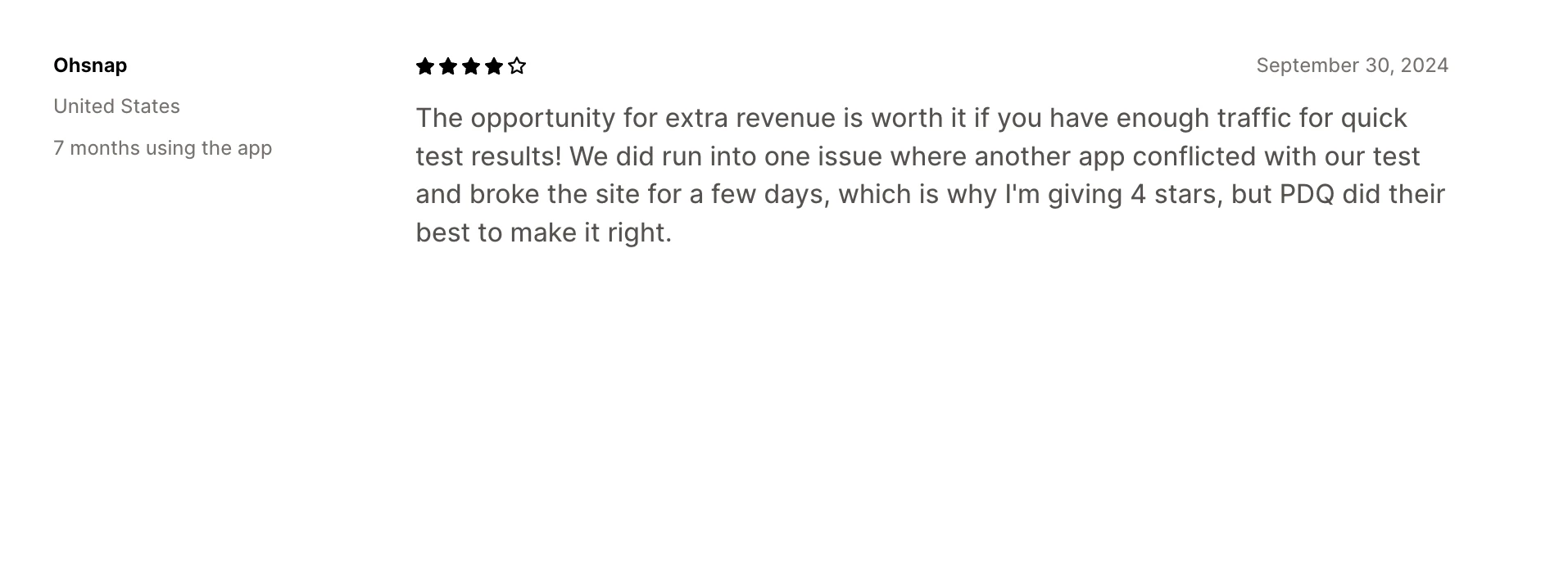
- Another customer reported an app conflict that broke their site for several days, although PDQ worked quickly to resolve the issue.
- The service model may be more than required if the goal is simply to launch and manage straightforward A/B tests independently.
Shoplift: Best for theme and template A/B tests
Best for: Shopify brands that want an easy way to test pages, templates, and themes without relying on developers.
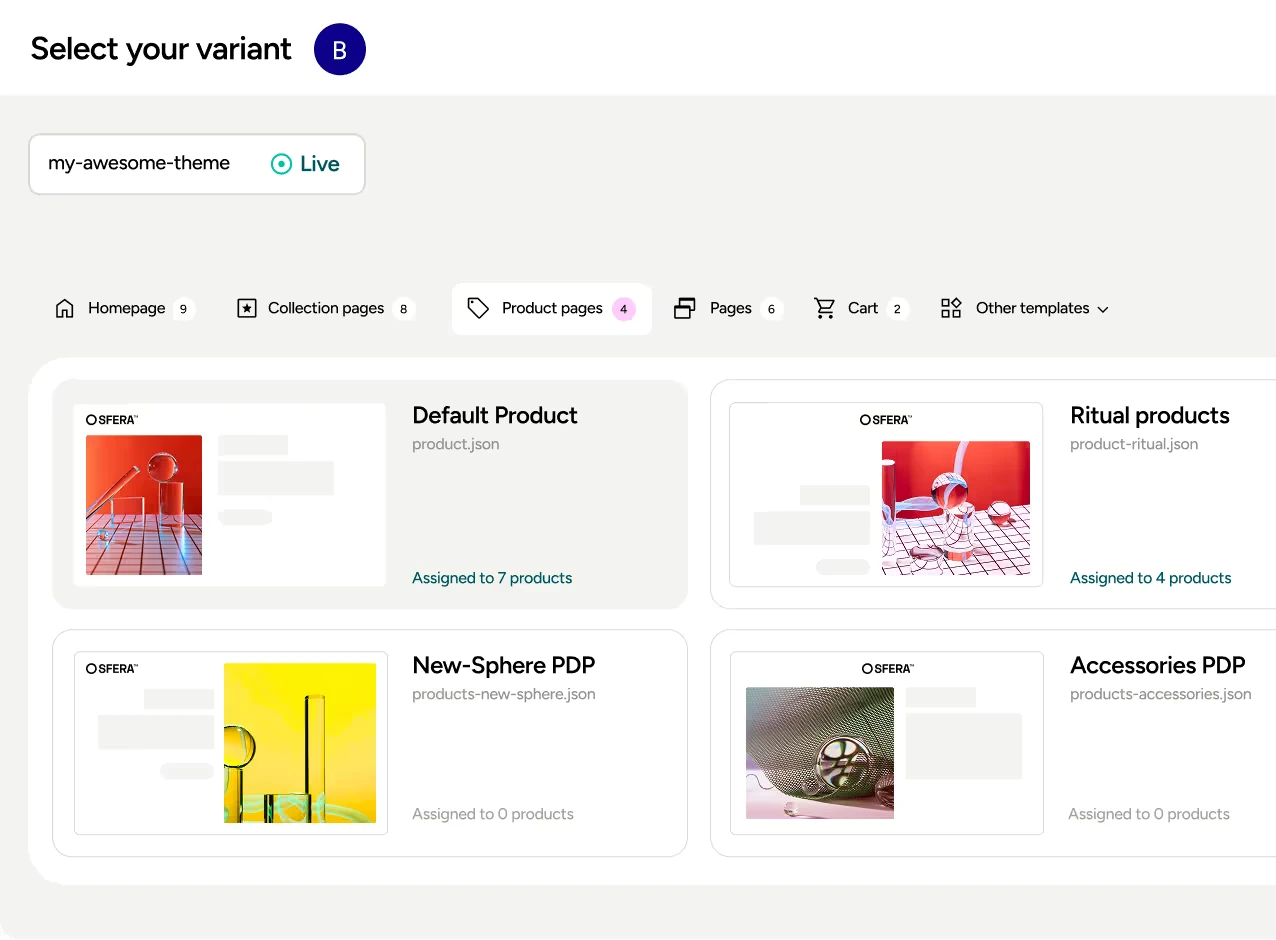
Shoplift is a Shopify-native A/B testing and CRO platform focused heavily on storefront experimentation. Teams can test product pages, landing pages, collections, homepage layouts, themes, and other site changes, while its “Lift Assist” feature can help build experiments automatically.
It also offers audience segmentation and analytics for metrics such as conversion rate, revenue per visitor, and AOV. Shoplift is a good fit for teams focused primarily on visual and theme experimentation, especially those that value a polished Shopify-native workflow.
Pricing starts at $74/month when billed annually, covering up to 50,000 monthly store visitors, with a 14-day free trial.
What it does well:
- Shopify-native setup makes it easy to create and manage storefront experiments.
- Strong coverage for product pages, landing pages, collections, homepage, themes, and templates.
- Lift Assist can help create branded test variations without coding.
- Provides segmentation and analytics across metrics such as CVR, RPV, AOV, and click-through rate (CTR).
- Customers frequently praise the intuitive interface and responsive support.
- Higher plan includes more hands-on support, including strategy sessions and a Merchant Success Manager.
Where it falls short:
- Costs can increase as the store grows since pricing is based on total store traffic, including visitors who aren't necessarily part of a test.
- Some reviewers have reported bugs that prevented them from launching tests or caused issues with their themes.
- One reviewer said they paid for the app without any tests going live and cited the lack of live chat as a problem.
- Some users have found the testing capabilities more limited than expected for specific use cases, particularly around product images and pricing.
- Price testing is only available on higher plans and has specific implementation requirements, making it less straightforward than its core page and theme testing.
- The pricing model can be difficult to justify for brands that run tests in occasional bursts rather than continuously.
VWO: Best for enterprise scale
Best for: Large brands and CRO teams running structured experimentation programs across multiple websites, with dedicated resources for testing and analytics.
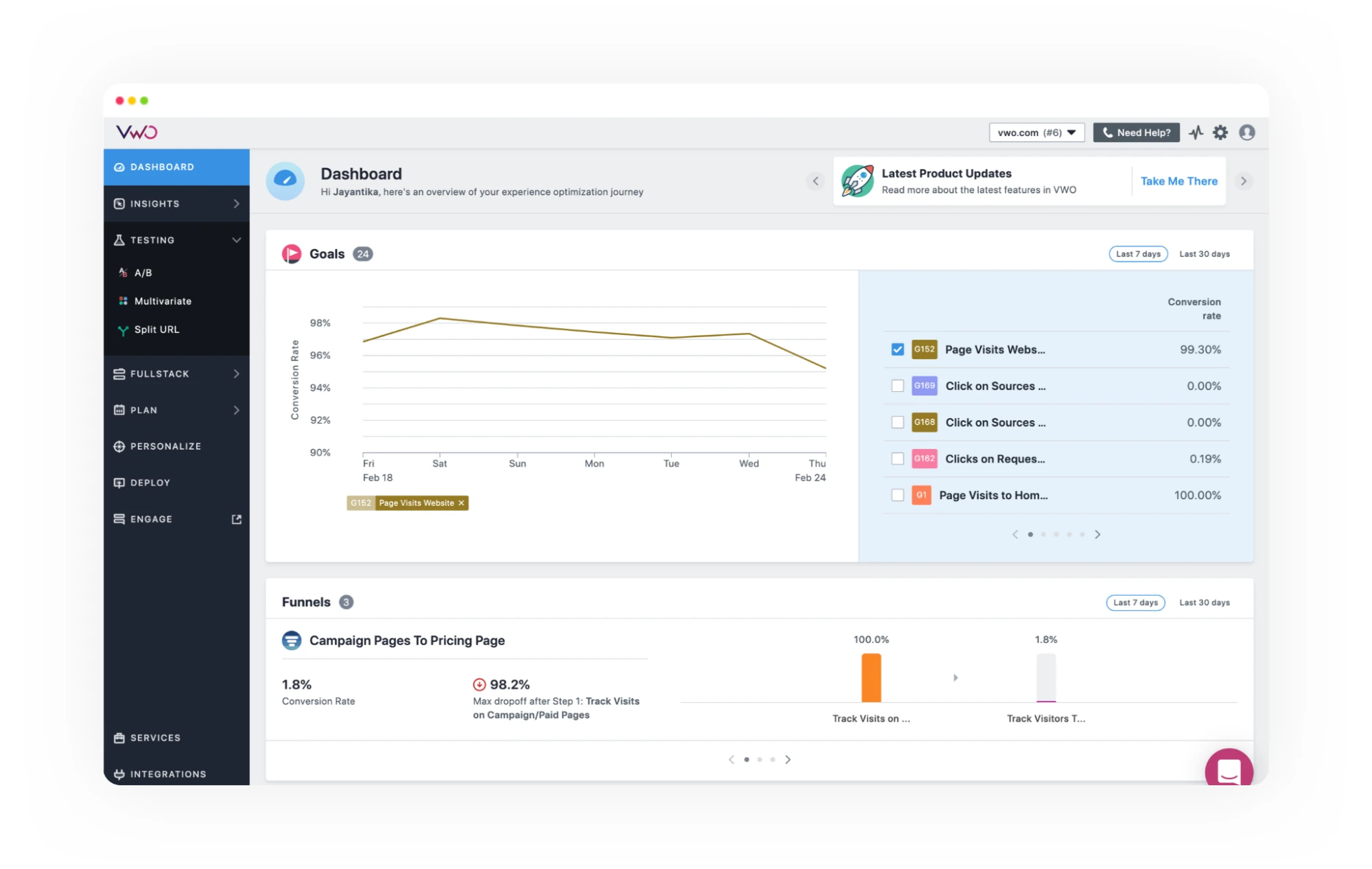
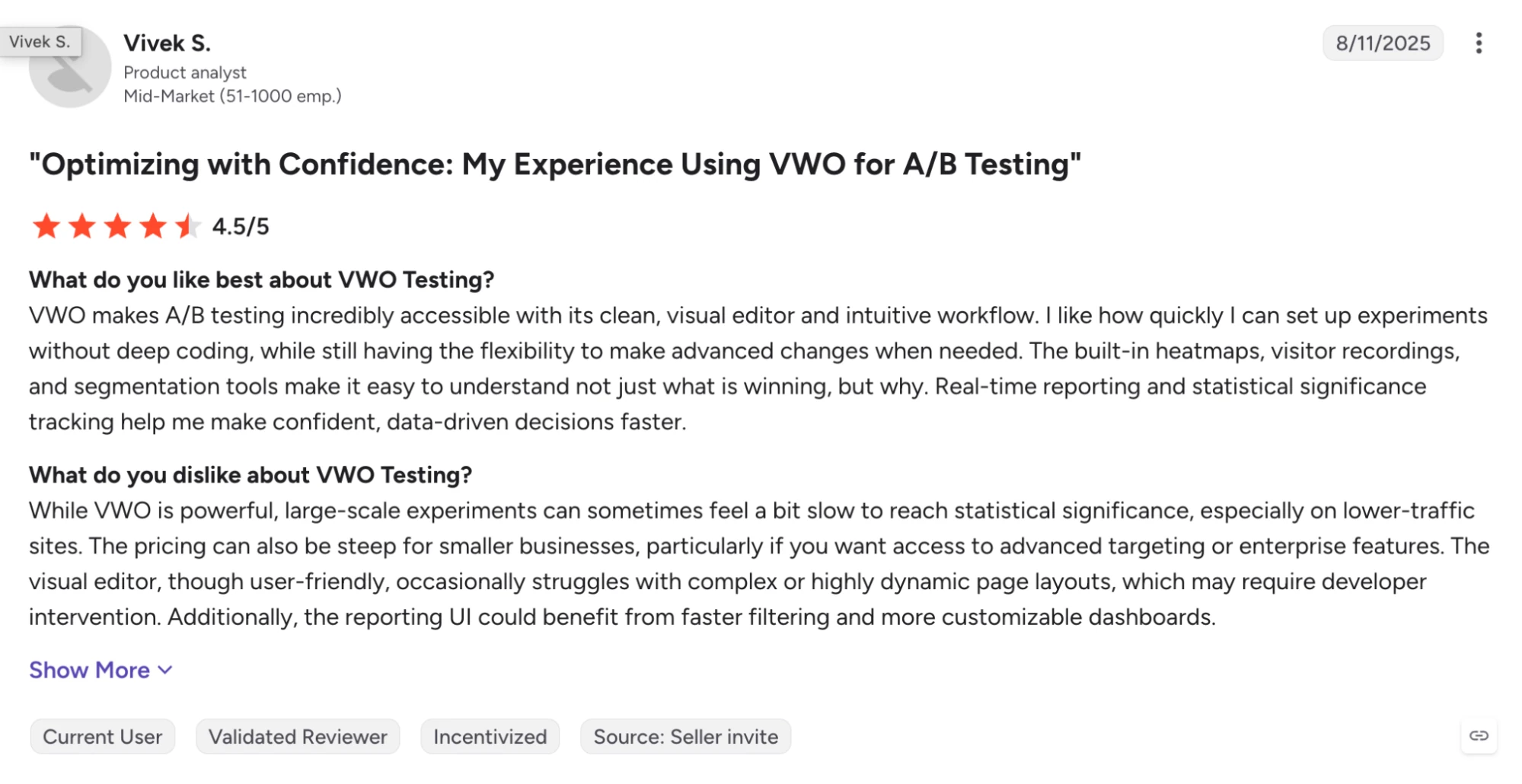
VWO combines A/B, split URL, and multivariate testing with behavioral analytics, audience targeting, and detailed reporting. Teams can understand what shoppers are doing with heatmaps and session recordings and use those insights to plan better experiments.
The platform’s enterprise plans offer dedicated customer success, advanced targeting, API access, training, SSO, and 24/7 support.
Pricing is custom and quote-based.
What it does well:
- Supports A/B, split URL, and multivariate testing, with guardrail metrics and advanced targeting on higher plans.
- Offers heatmaps and session recordings, which help teams investigate user behavior before deciding what to test.
- Enterprise customers get a dedicated CSM, 1:1 training, API access, SSO, and 24/7 support.
- Customers frequently praise its intuitive interface, easy setup, analytics, and responsive support.
Where it falls short:
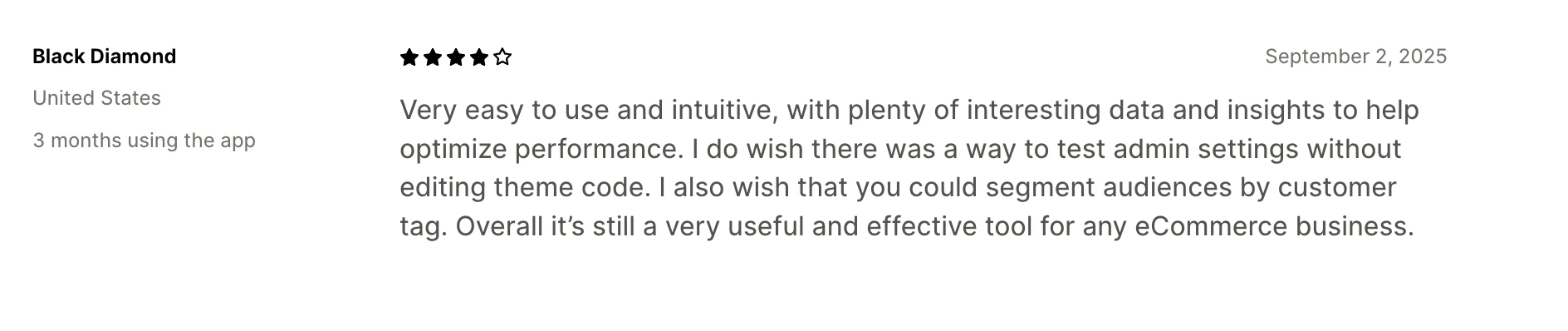
- Users report needing coding knowledge or developer support for more complex implementations.
- Reviews mention slow performance and occasional bugs, particularly with more complex experiments.
- Some users report limitations around traffic analytics and data-sharing features.
- The visual editor can occasionally be slow or glitchy on complex pages.
- VWO can require more technical involvement and platform expertise than Shopify-first teams need. This is why industry experts like Fudge.ai recommend Shopify-native tools when the priority is simpler, faster testing.
Optimizely: Best for broad marketing and digital experiences
Best for: Enterprise brands that need experimentation as part of a broader digital experience and marketing stack.
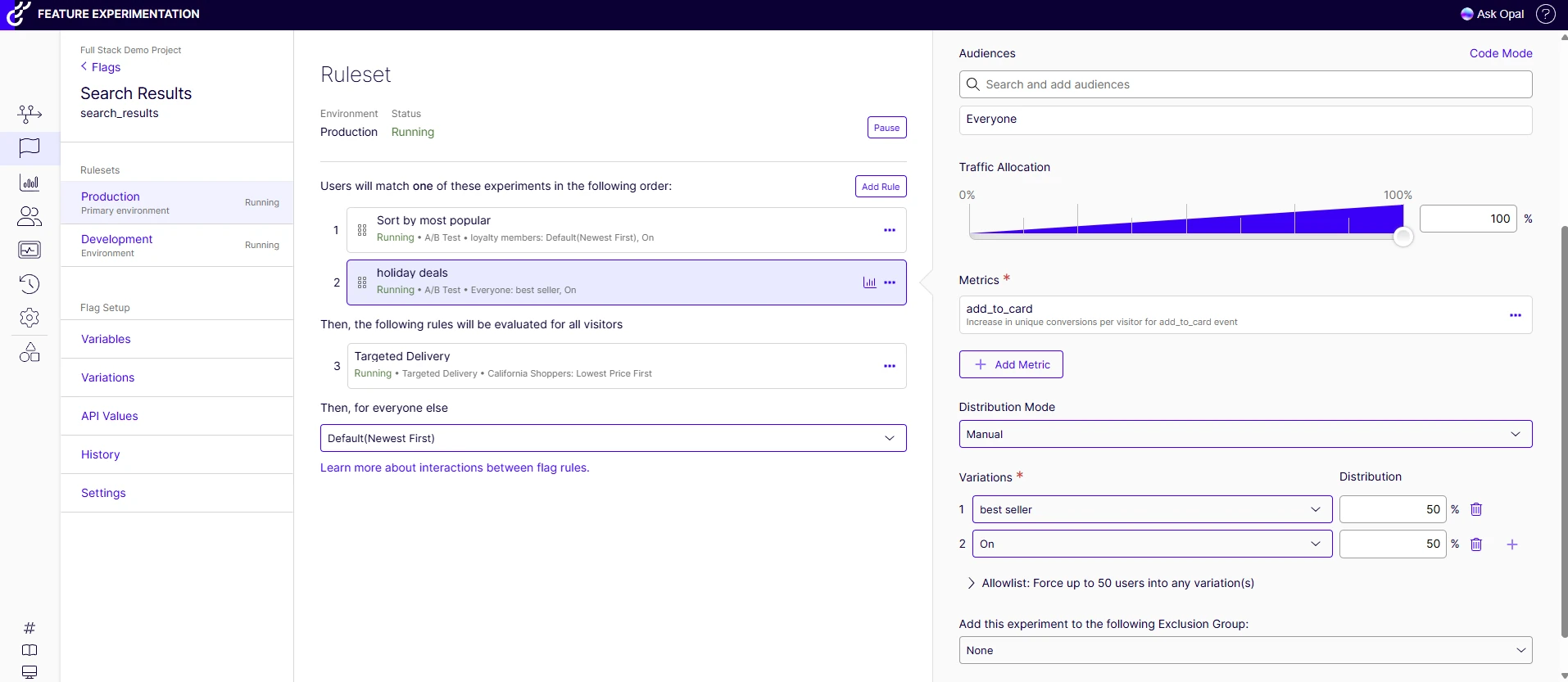
Optimizely combines experimentation with personalization, customer data, and commerce tools. Its experimentation platform lets teams run A/B tests and target specific audiences, while the Optimizely Data Platform brings ecommerce and website behavior data together to create customer segments for targeted experiments.
Your team can then use those segments to run more relevant tests and analyze how different audiences respond.
Optimizely offers custom pricing based on the products and digital needs of each business.
What it does well:
- Supports A/B, split URL, and multivariate testing, with advanced targeting, reporting, guardrail metrics, and custom events on higher plans.
- Optimizely can combine ecommerce and website behavior data to create customer segments for targeted experiments.
- Users praise the intuitive interface and straightforward setup for launching and managing experiments.
- Enterprise plans include a dedicated CSM, 1:1 training, API access, SSO, and 24/7 support.
- A good fit for organizations testing across multiple websites, user journeys, and digital channels.
Where it falls short:
- Users report that more advanced use cases can require coding knowledge or developer support.
- The more advanced the experiment, the more setup and technical involvement it can require.
- If you're mainly testing prices, shipping, themes, or other Shopify-specific changes, Optimizely's broader digital experience capabilities may be more than you need.
- Optimizely packages its plans individually, so you need to speak to their sales team to understand what your specific setup will cost.
ElevateAB: Best for broad Shopify experimentation at a lower entry price
Best for: Shopify brands that want to test themes, content, pricing, shipping, and checkout without starting with an expensive testing plan.
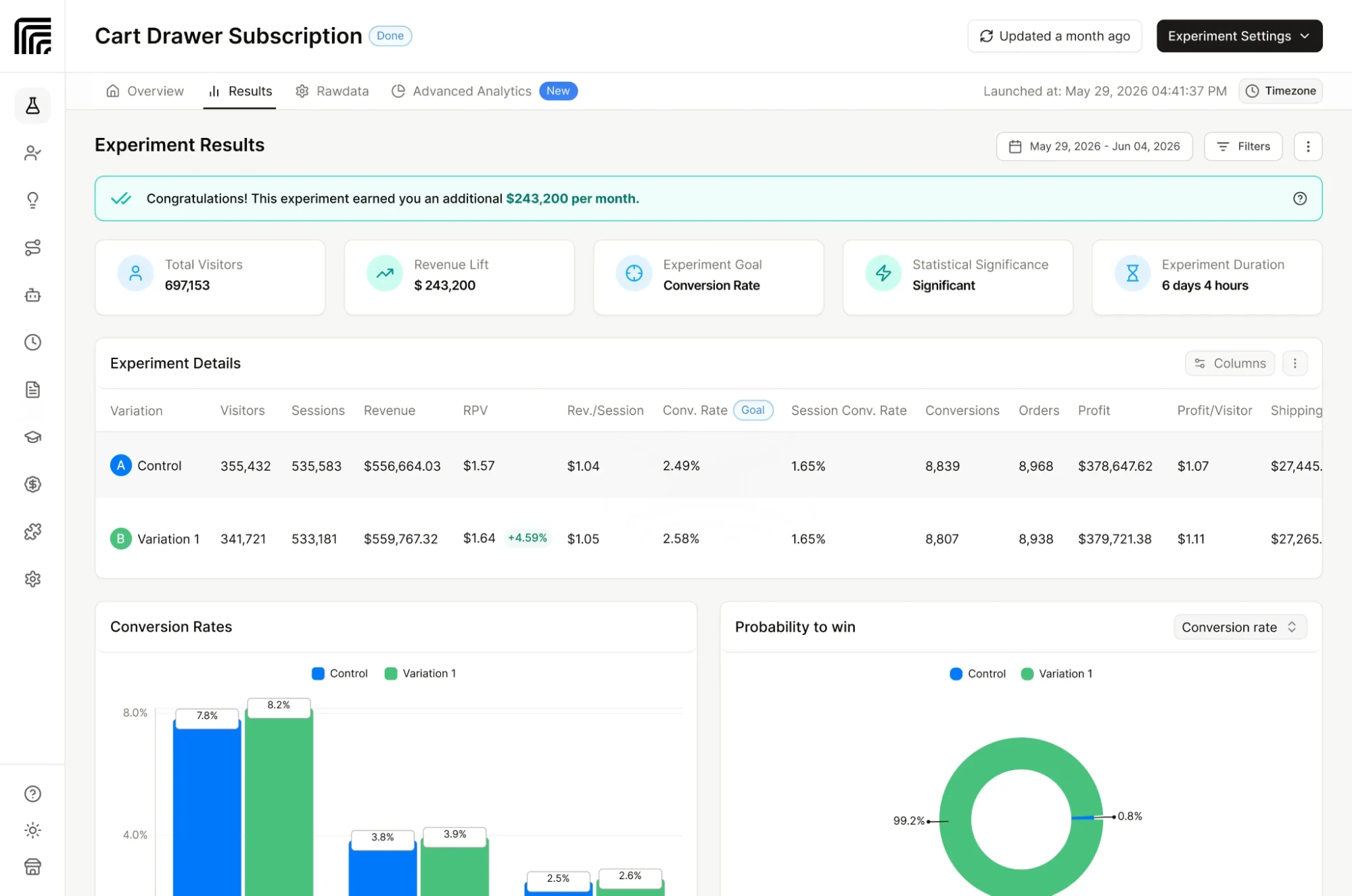
ElevateAB is a Shopify-native A/B testing app that covers a wide range of experiments, from themes, templates, and landing pages to product images, prices, shipping rates, and checkout flows. Its visual editor keeps test creation simple, while Bayesian statistics, 100+ metrics, and AI-powered test suggestions help teams analyze results and prioritize experiments.
Pricing starts at: $49/month. Price, shipping, and checkout testing start at $99/month, while the $499/month Premium plan adds advanced features and dedicated support.
What it does well:
- Supports theme, template, split URL, visual content, product image, price, shipping, and checkout testing in one Shopify-native app.
- The visual editor lets teams create content and page experiments without relying heavily on developers.
- Bayesian statistics, confidence scoring, and 100+ metrics give teams detailed ways to evaluate experiment results.
- Price, shipping, and checkout testing are available from the $99/month Standard plan, giving merchants access to more advanced experiments without moving to an enterprise-priced platform.
- AI-powered test suggestions can help teams identify and prioritize experiments.
Where it falls short:
- Checkout testing requires Shopify Plus, so non-Plus stores are limited to pre-checkout experiments.
- Advanced features such as multi-currency price testing, subscription price testing, white-glove onboarding, and dedicated Slack support are reserved for the $499/month Premium plan.
- Compared with larger CRO platforms, Elevate has fewer integrations and a smaller ecosystem.
- If you're testing across multiple platforms or digital properties, Elevate's Shopify-first approach may not cover everything you need.
03How to pick the right A/B testing tool for your brand
The right tool comes down to the tests you want to run and how those tests fit into your team’s workflow. A tool that works well for page experiments may fall short if you need to test pricing or shipping, while an enterprise CRO platform may add more capabilities than a lean Shopify team needs.
Before you choose, look at what you can test, how you’ll be charged, how quickly you can launch, and what support your team will need.
Factors to consider when picking your tool:
The best tool depends on what you want to test and how your team plans to run those tests. Before comparing prices or features, look at these eight factors:
- What you can test: Make sure the tool covers the experiments you want to run, whether that's price, shipping, offers, pages, themes, or checkout.
- Billing model: Check what the platform charges you for. A lower starting price can become expensive if you're paying based on total store traffic or orders.
- Time to first test: Look at how much work it takes to get your first experiment live. Some tools are built for quick, no-code setup, while others require more implementation.
- No-code vs. developer support: If your marketing team manages testing, look for a tool they can use without relying on developers for every experiment.
- Support model: Understand whether you get self-serve support, guided onboarding, a dedicated account manager, or a managed testing service.
- Shopify-native vs. broader CRO suite: A broader platform can be useful if you need analytics, personalization, or other CRO capabilities. If you mainly need Shopify experimentation, a focused tool may be easier to manage.
- Price-testing prerequisites: Check whether price testing requires Shopify Plus, a specific plan, or a minimum number of monthly orders.
- Store stage: A small team running its first few experiments has different needs from an enterprise CRO team managing hundreds of tests.
Evaluating pricing for A/B testing tools
A tool's starting price doesn't tell you much about what you'll actually pay. A better way to compare platform costs is to understand what their pricing depends on.
Here are the different types of pricing plans that most providers offer:
- Order-volume-based: Your monthly price increases based on the number of orders your store processes, whether or not those orders are part of an experiment.
- Visitor-based: Pricing is based on the number of unique visitors your store receives, which can make costs rise as your traffic grows.
- MTU (Monthly Tracked Users): This is common among enterprise platforms, where pricing is based on monthly tracked users.
- Test-exposure / test-order-based: Pricing is tied to the visitors or orders that actually enter your experiments rather than your entire store.
- Custom pricing: Some platforms offer a custom package based on specific needs.
When comparing prices,
- Run the numbers using your own store data: A $99 starting price may not offer the whole picture, especially if your traffic or order volume pushes you into a higher tier.
- Match the pricing model to how often you test: If you run tests occasionally, paying for your entire store's traffic or order volume may make less sense than paying based on actual test exposure.
- Check what's included in each plan: Features such as price testing may sit behind higher tiers, require Shopify Plus, or have minimum monthly-order requirements.
- Look at the cost as your store grows: The cheapest option today may become significantly more expensive as traffic or orders increase.
Common mistakes to avoid
- Paying for features you won't use: If you only need to test prices, pages, and shipping, you may not need a CRO platform with heatmaps, recordings, personalization, and other tools.
- Comparing monthly prices without checking what they’re based on: A $50/month plan can cost more than a $200 plan if it charges against all your store orders or visitors. Look at what you’re charged based on your actual volume.
- Assuming every tool can test prices and shipping: Some platforms are mainly built for changing page layouts. Check whether the specific experiments you need are actually supported.
- Finding out too late that price testing has restrictions: Check whether price tests require Shopify Plus, a higher-tier plan, or a minimum number of orders before you sign up.
- Choosing the tool with the longest feature list: Start with the business problem you want to solve. If your main requirement is finding a more profitable product price, a tool with too many CRO features won't necessarily be more useful than one that does price testing well.
Quick decision guide
If your main goal is:
- Testing multiple levers across your store: Look at an all-in-one Shopify testing tool like ABConvert, particularly if you want to run tests yourself and have more control over how you're billed.
- Testing price, margin, offers, and shipping economics: Consider profit-focused tools such as Intelligems or ABConvert.
- Testing page layouts, sections, content, and themes: Look at visual and theme-focused tools such as Shoplift, Visually, and ElevateAB.
- Optimizing checkout, delivery, and post-purchase: Choose PrettyDamnQuick if you want to test these offers. The support team also helps analyze the results and recommend changes.
- Running broader CRO programs with behavioral analytics: Enterprise suites such as VWO and Optimizely make more sense when you need capabilities such as heatmaps, recordings, advanced targeting, and broader experimentation workflows.
04Ready to run A/B tests on your Shopify store?
The A/B testing tool you pick should make it easier to test the changes that matter to your store, without adding unnecessary complexity. Whether you're testing price, shipping, offers, pages, themes, or checkout, the goal is to find what works, measure the impact, and use those results to make better decisions.
If you’re looking for an A/B testing tool that’s easy to set up and flexible enough to test across your Shopify store, try ABConvert. You can test prices, shipping, offers, pages, themes, and checkout from one powerful platform and use revenue, AOV, and profit metrics to see which changes actually move your business forward.
Book a demo to see how ABConvert works.
05Frequently asked questions
Does Shopify allow AB testing?
Yes. Shopify stores can run A/B tests, but Shopify does not provide a full A/B testing system for testing aspects like prices, page layouts, shipping, or checkout experiences. Merchants typically use a third-party testing app that works within Shopify to run experiments.
What are the best A/B testing tools?
The best tool depends on what you want to test and how much of the testing process you want to manage yourself.
- ABConvert is a strong option for Shopify-native testing across pricing, shipping, offers, pages, themes, and checkout.
- Intelligems is better suited to larger teams that want deeper profit analytics, personalization, and managed testing.
- Visually and Shoplift are better suited to page, content, and theme experiments, while PrettyDamnQuick focuses on checkout, shipping, and delivery.
- VWO and Optimizely make more sense for teams running broader CRO and experimentation programs across digital experiences.
What can you actually A/B test on Shopify?
What you can A/B test on Shopify depends on the tool.
You can test aspects like product prices, offers and discounts, shipping rates and thresholds, product pages, page content, templates, themes, URLs, checkout experiences, and post-purchase offers. Some tools focus on a narrower set of experiments, so it’s important to understand the test types included in the tool and plan you're considering.
Do I need Shopify Plus to run price tests?
You don’t always need to be on Shopify Plus to run price tests.
While some tools require Shopify Plus or limit price testing to higher-tier plans, others like ABConvert offer it on standard Shopify plans. Some tools also set minimum order volumes or other requirements before you can run price experiments.
Check the tool's requirements for price testing before you commit to a plan.
What's the difference between an A/B testing app and a full CRO suite?
An A/B testing app focuses primarily on running and measuring experiments. A full CRO suite usually combines experimentation with other tools such as heatmaps, session recordings, personalization, customer data, and behavioral analytics.
If you're primarily running Shopify experiments, an A/B testing app can be enough. If your team also needs behavioral research, segmentation, personalization, and analytics in the same platform, a CRO suite may be worth the extra cost and complexity.
Can one tool cover price, layout, and checkout, or do I need several?
No, you don't need multiple tools to test price, layout, and checkout.
Platforms such as ABConvert allow you to test price, shipping, offers, checkout, URL, template, theme, and visual editor within the platform.
But many A/B testing tools specialize in specific areas. Whether you need more than one depends on the experiments you plan to run.
If you need to test several aspects of the Shopify customer journey regularly, choosing a platform that offers all test types can make the testing process easier to manage.