


Give each group a different Shopify template for the same product, collection or page. Test section order, layouts and app placements built in the theme editor.
Trust badges at the bottom versus under the button
Sample data| Metric | Control | Variant |
|---|---|---|
| Revenue per visitor | $4.98 | $5.48 |
| Conversion rate | 2.00% | 2.20% |
| Add-to-cart rate | 9.0% | 9.9% |
| Profit per visitor | $2.78 | $3.06 |
 How it works
You only need a new template in your existing theme, not a second theme.
01Draft
Build the template
Create the alternative in your live theme's editor, such as product.variant-b. ABConvert can duplicate the homepage template for you.
02Launch
Assign and launch
Pick the original and the variant template, limit the test to the products you want, preview on desktop and mobile, then launch.
03Read
Read the result
See revenue per visitor, conversion, AOV and profit per visitor for each group, and whether the difference is significant.
Four template experiments
A template decides what a shopper sees first and what they have to scroll to find. Moving a section can change what they decide. Each experiment compares two templates in the same live theme, on Potwright's Dutch oven product page unless noted.
Guarantees under the buy button lift add-to-cart.
Shoppers look for reassurance before they commit. If returns and warranty sit at the bottom of the page, many never see them. Moving the section up asks whether reassurance at the decision point changes the decision.
Variable being tested
Section order: trust badges at the bottom → under the add-to-cart button.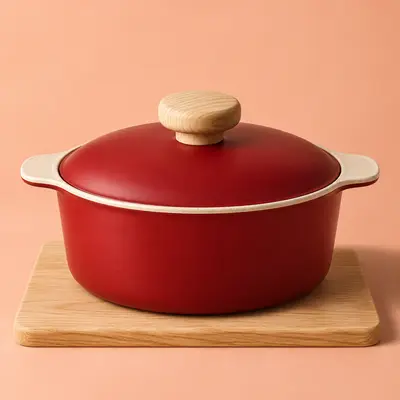
Everyday Dutch Oven
$249
Add to cart- Lifetime warranty
- Free returns
- Free shipping
Everyday Dutch Oven
$249
Add to cart- Lifetime warranty
- Free returns
- Free shipping
Keep fixed. Same product, price, images, copy and apps. Only the section order changes.
- Preview both versions
- Open the product page in both groups on mobile, where the order matters most.
- Worked example with sample data
- At 8,000 product page visitors per group, add-to-cart rising from 9.0% to 9.9% is 72 more carts. See the full result ↓
- When to roll it out
- Keep the new order if orders per visitor rise, not just add-to-cart.
Worked result
+10%orders with trust under the button
Moving one section up the page lifted add-to-cart and orders by the same tenth, with no new copy and no new price.
Trust badges at the bottom versus under the button
Sample data| Metric | Control | Variant |
|---|---|---|
| Revenue per visitor | $4.98 | $5.48 |
| Conversion rate | 2.00% | 2.20% |
| Add-to-cart rate | 9.0% | 9.9% |
| Profit per visitor | $2.78 | $3.06 |
8,000 product page visitors per group. Control: 720 carts, 160 orders, $39,840 revenue. Variant: 792 carts, 176 orders, $43,824 revenue. Profit uses $110 product cost. All figures are illustrative.
What we do
AI and MCP
Ask Claude or ChatGPT how a test is doing or draft the next one. Actions depend on access you grant.
Audience targeting
Run a test only where it matters: by country, device, traffic source or customer type.
Analytics
See profit per visitor, conversion, AOV and significance for each variant, with product costs included.
Visual editor
Change copy, images, and templates on any page without code. Preview before launch.
More stories
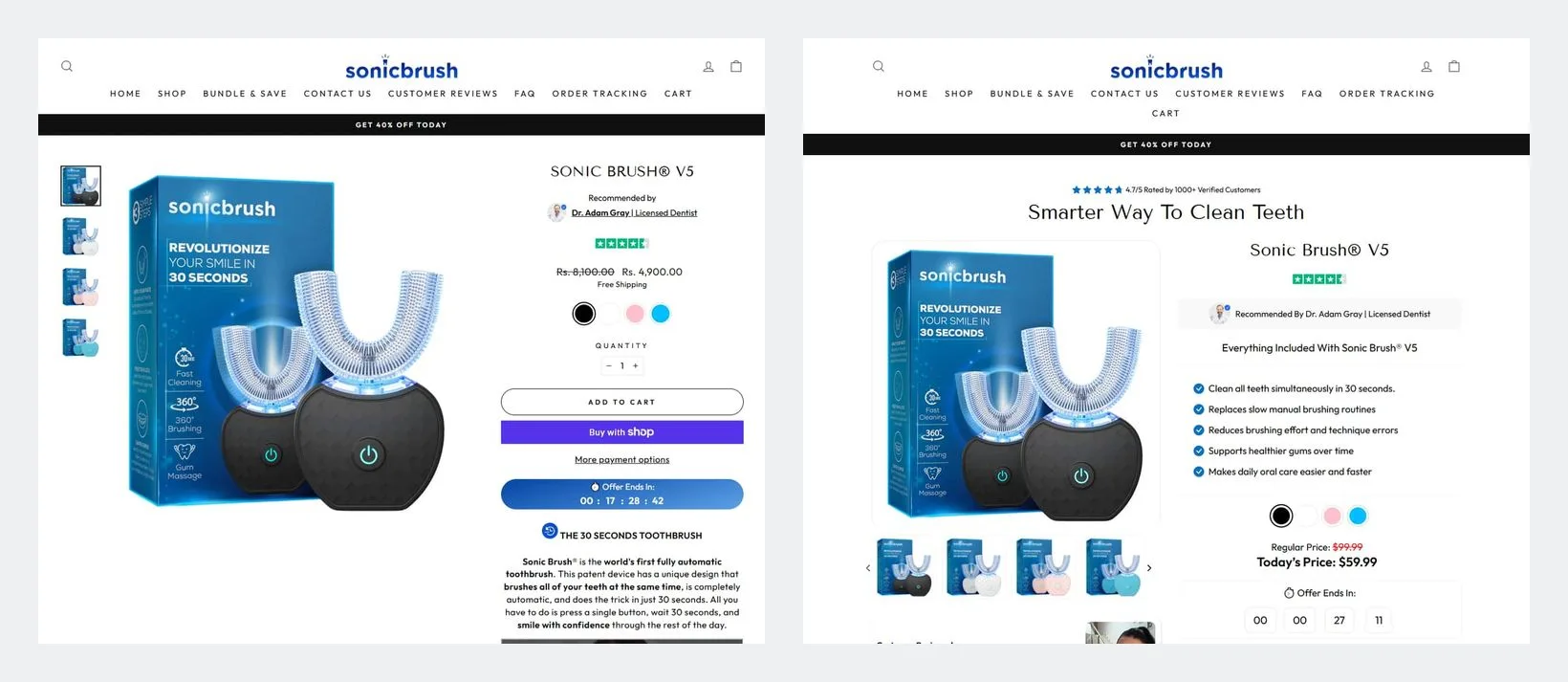
How Sonic Brush Increased Revenue per Visitor by 24% With a New Product Page
+24.26%revenue per visitor
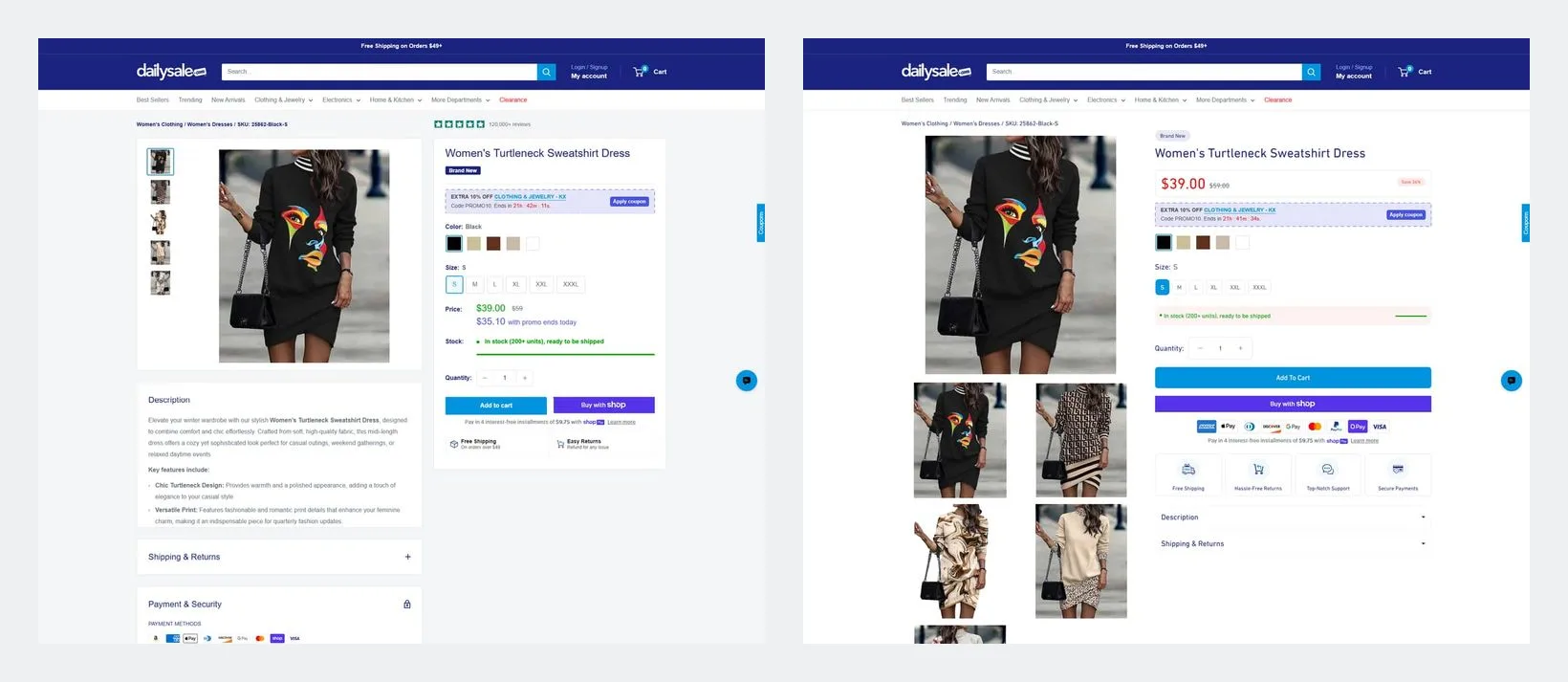
How Daily Sale Increased Revenue per Visitor by 63% With a New Product Page
+63%revenue per visitor

How Smartwatchmagazijn Drove €10,000+ Monthly Growth Through A/B Testing
+25%monthly revenue after one month



Requirements
Template tests assign templates from your current live theme: homepage, collection, product, page, cart, blog, article and search. Build the alternative in Shopify's theme editor; you don't need a second theme.
Limit a product template test with page targeting, or duplicate the original template and assign it to the products you want included. Only products using the selected original template enter the test.
Shopify has no template picker for the homepage, so a winning homepage template is applied by hand in the theme editor. Ad tracking parameters such as gclid and utm tags are kept.
Products
- URL redirect testCompare landing pages for ads.
- Theme testTest a whole redesign with themes.
- Visual editor testEdit pages without code.
- Price testFind prices that grow profit.
- Offer testCompare discounts across variants.
- Shipping testTest rates and free-shipping offers.
- Subscription testCompare subscription offers and intervals.
- Checkout testTest checkout options and upsells.
- Combined testTest several steps as one experience.